 Back to Work
Browser extension / Web application
Metis
- Role
- Designer / Developer
- Discipline
- Browser extension / Web application
- Stack
- React 19, TypeScript, Next.js, FastAPI
Project imagery
Extension
- React 19
- TypeScript
- Vite
- Tailwind
- Manifest V3
- Chrome Side Panel/Storage/Scripting APIs
- Motion
Web
- Next.js 15
- React 19
- TypeScript
- Tailwind
- Supabase
- shadcn/Base UI
API
- Python
- FastAPI
- Pydantic
- Uvicorn
Selected features
- page scanning
- cost/waste scoring
- stack detection
- multipage context refinement
- fullscreen reports
- local history
- site permissions
- export/copy
- upload queue
- rate limiting
01 / Product and architecture
How could cost context stay beside the site being analyzed?
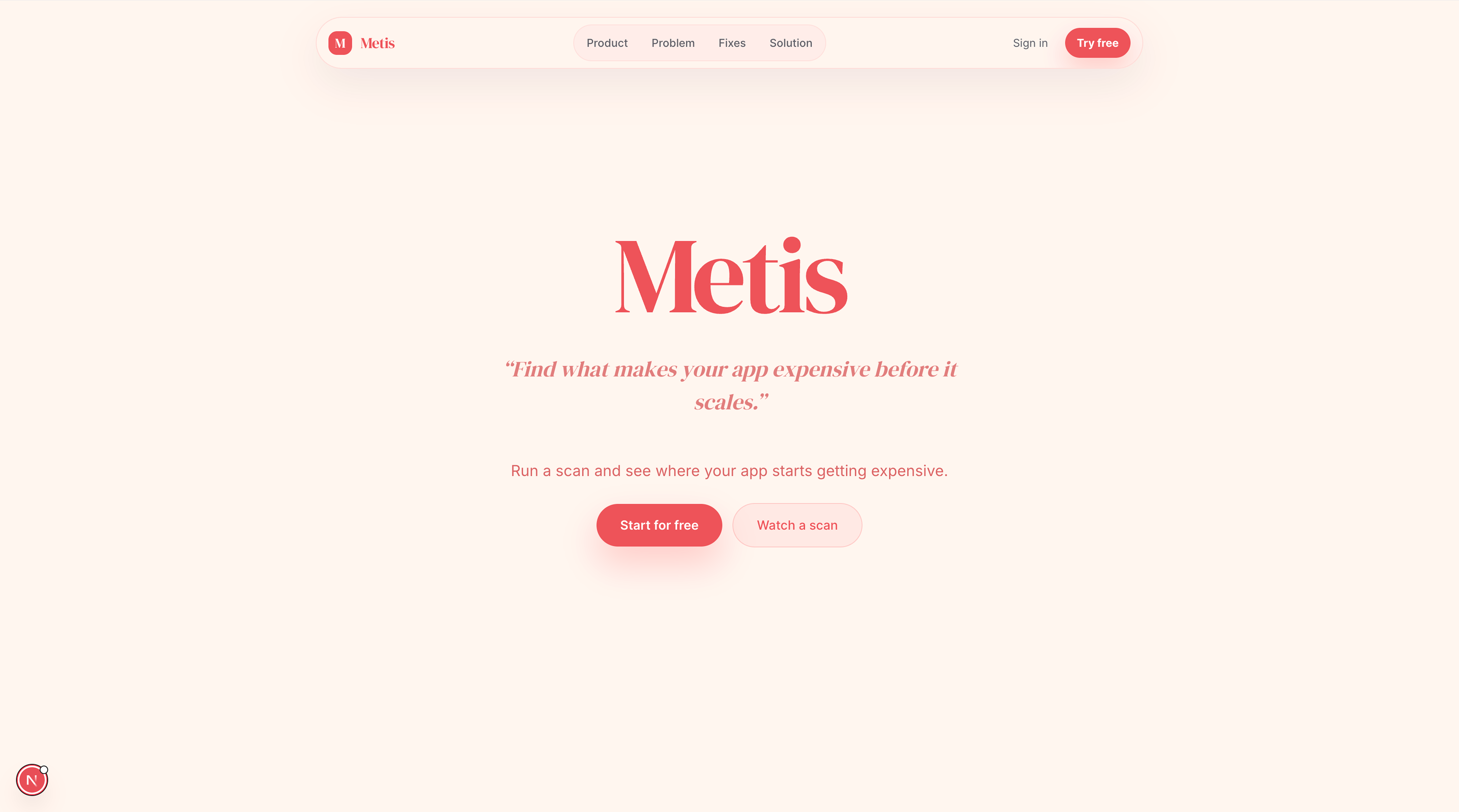
Metis is a Chrome extension and companion web app I built after seeing how quickly inefficient web architecture can turn into real infrastructure costs at scale. I wanted to find whether a browser tool could help developers understand that relationship while they were actually using a site, rather than requiring them to open a separate analytics product.
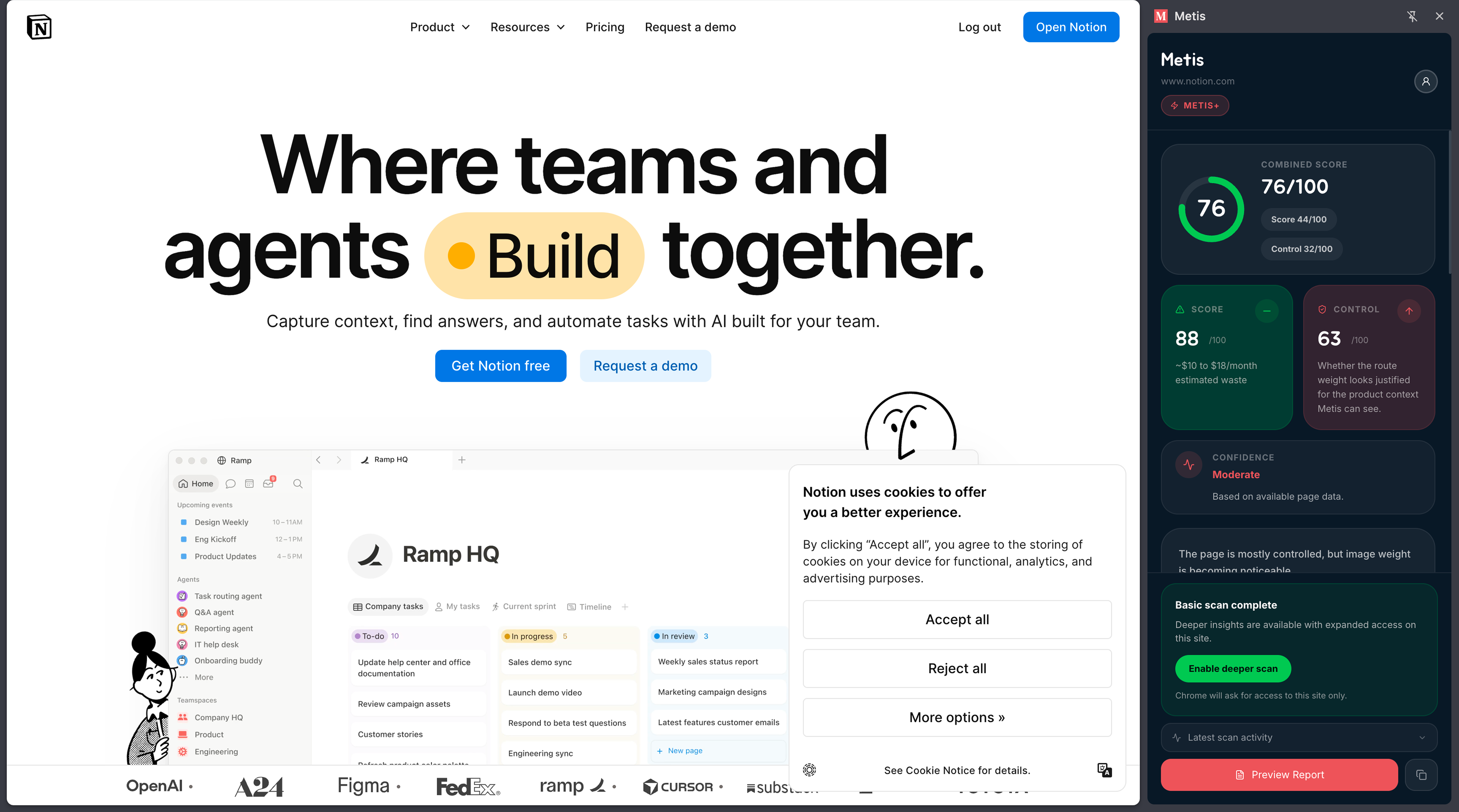
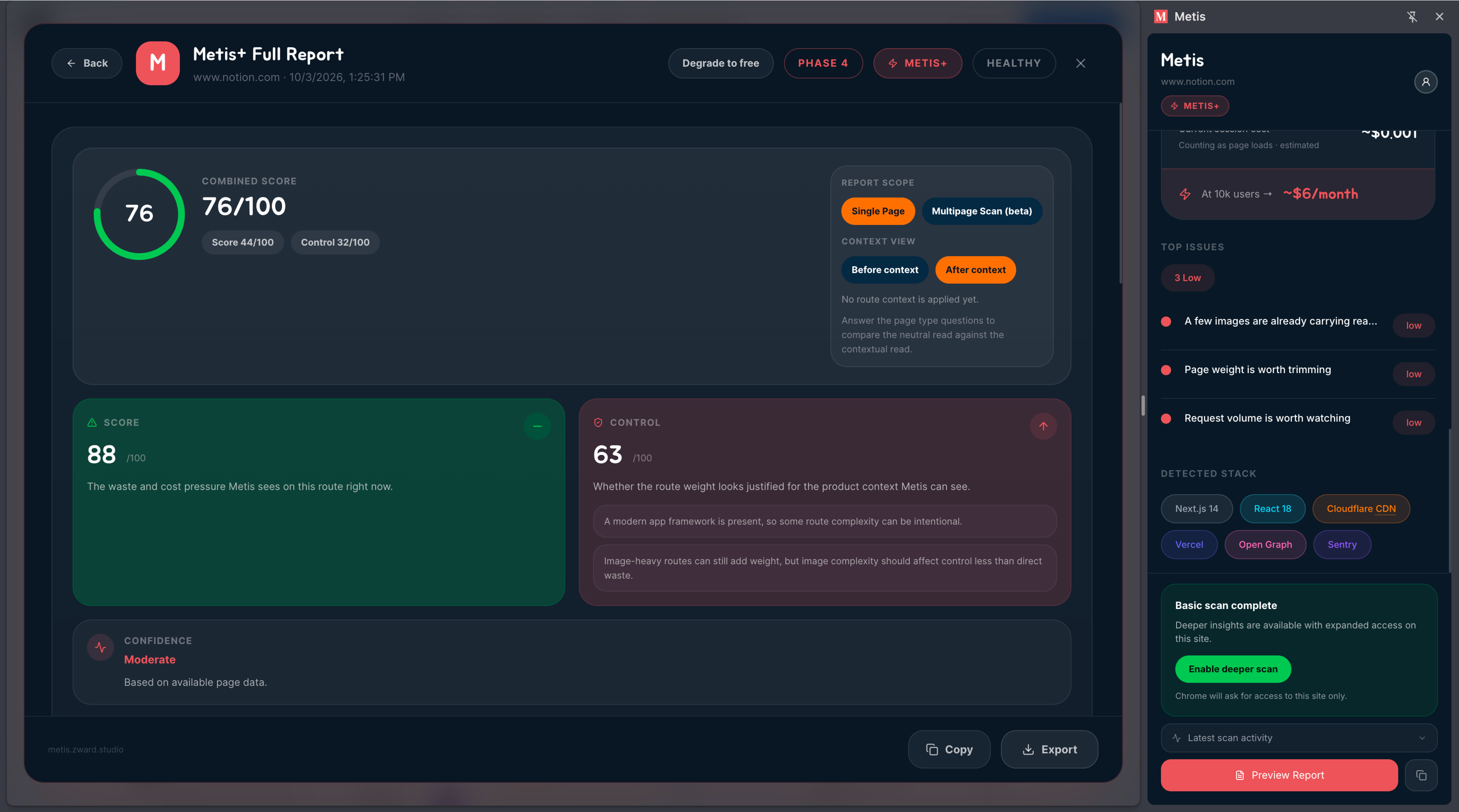
My extension scans a current page and estimates performance and infrastructure waste, detects parts of the site’s stack, and produces a cost/waste score. As a user moves through additional pages on the same website, Metis can incorporate the new context and revise its approximation instead of treating every page as a single result. I designed the extension as a Chrome side panel, inspired by tools like Grammarly and Superhuman Go, so the report could stay available alongside the site while being analyzed.
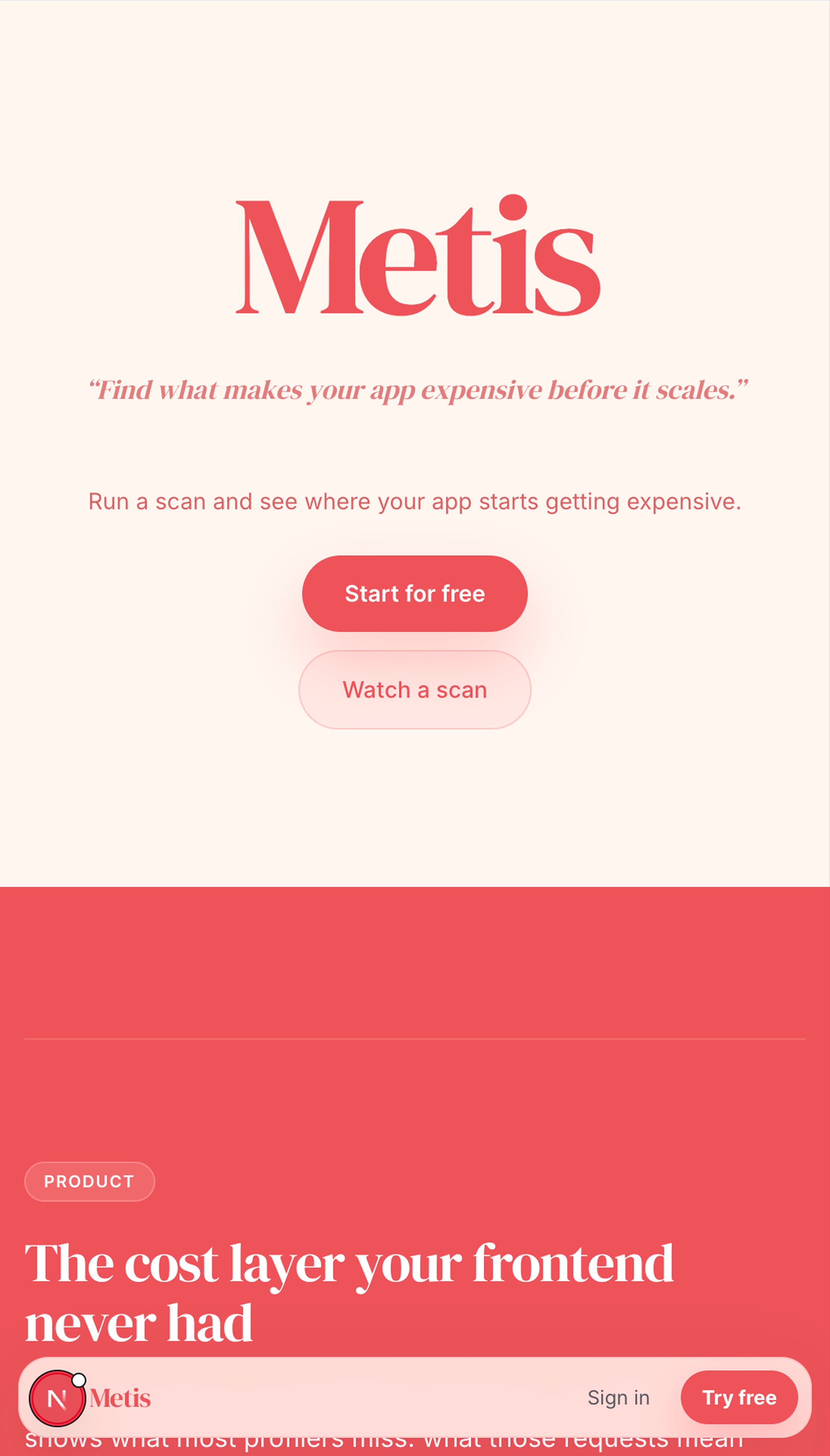
Companion web and side panel surfaces
02 / Authentication handoff
How did the website remain responsible for authentication?
One of the more interesting problems was connecting the extension to the Metis web account. Rather than putting the full authentication experience inside the extension, selecting Sign in opens the Metis website. After authentication, the site brings the user to an “extension specific account route” and sends a first party message back to the extension. The extension then listens for that message, validates it, acknowledges the handoff, stores the new account state, and refreshes its interface. This lets the website remain responsible for authentication while the extension remains focused on scanning and reporting.
Metis organically grew into two connected applications. A Manifest V3 React/TypeScript extension for scanning, local state, reports, and a modern side panel experience, and a Next.js/FastAPI/Supabase web application for authentication, accounts, validation, and paid access infrastructure.
Fullscreen report
03 / Next direction
Where did I pause the project?
I paused development near the end of this iteration so I could focus on launching InkVein, but I plan to return to Metis after the inital launch. The next direction I’m most interested in is going beyond “browser visible behavior” and connecting Metis to a project’s repository or SDK so its recommendations can understand both runtime behavior and the implementation producing it.