 Back to Work
React Native learning / Mobile product
GameMate
- Role
- Product Designer / Developer
- Discipline
- React Native learning / Mobile product
- Stack
- React Native
Project imagery
Focus
- React Native learning
- Cross platform mobile development
- Social discovery
Role in my process
- Prototype project before InkVein
Main takeaway
- Shared codebase, platform specific behavior
01 / Learning project
Why build a smaller product before InkVein?
GameMate was the project I built before InkVein so I could learn how to develop a real mobile product with React Native before committing to a much larger app. At the time, I was still learning how to work with React Native and how to use AI as part of my development workflow, so I wanted a smaller project where I could make mistakes, test ideas, and understand the platform more practically.
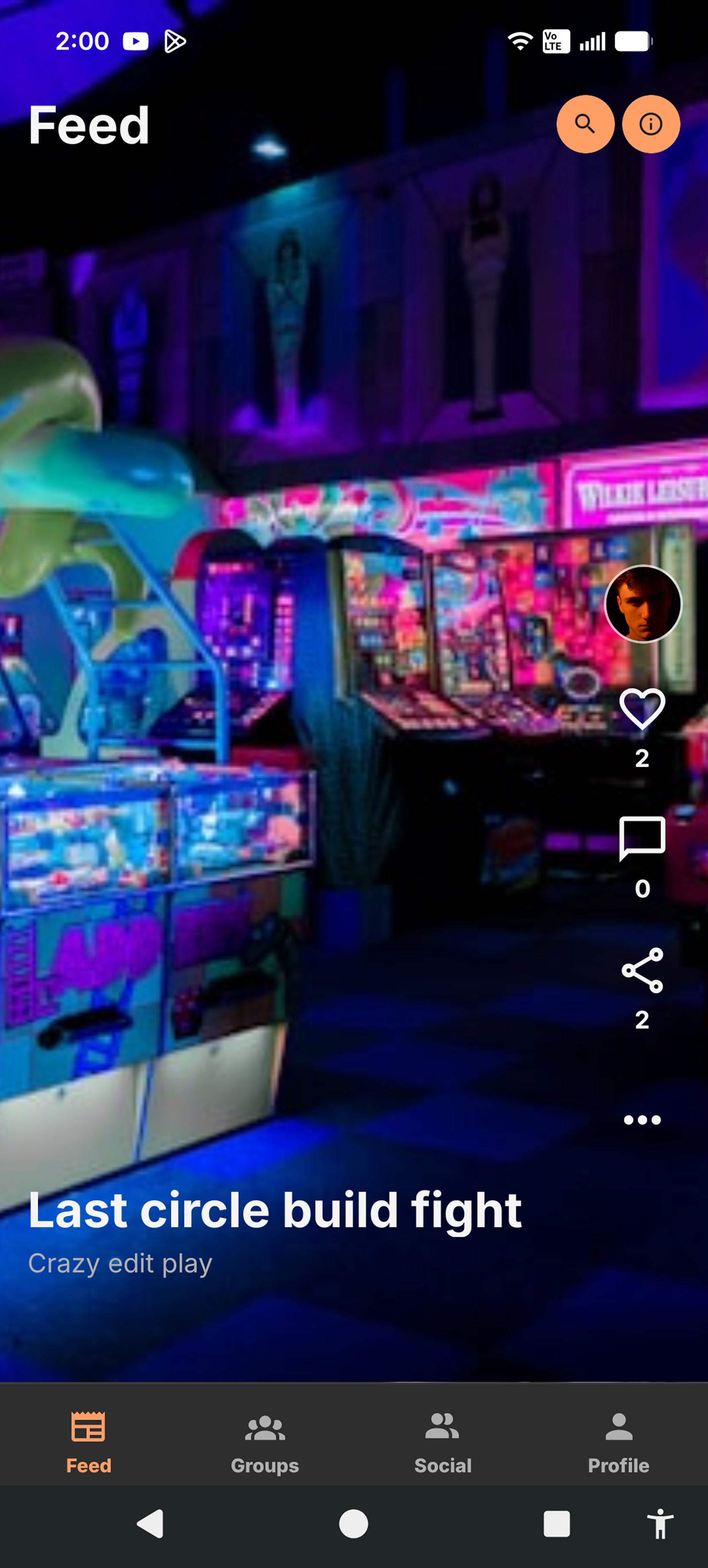
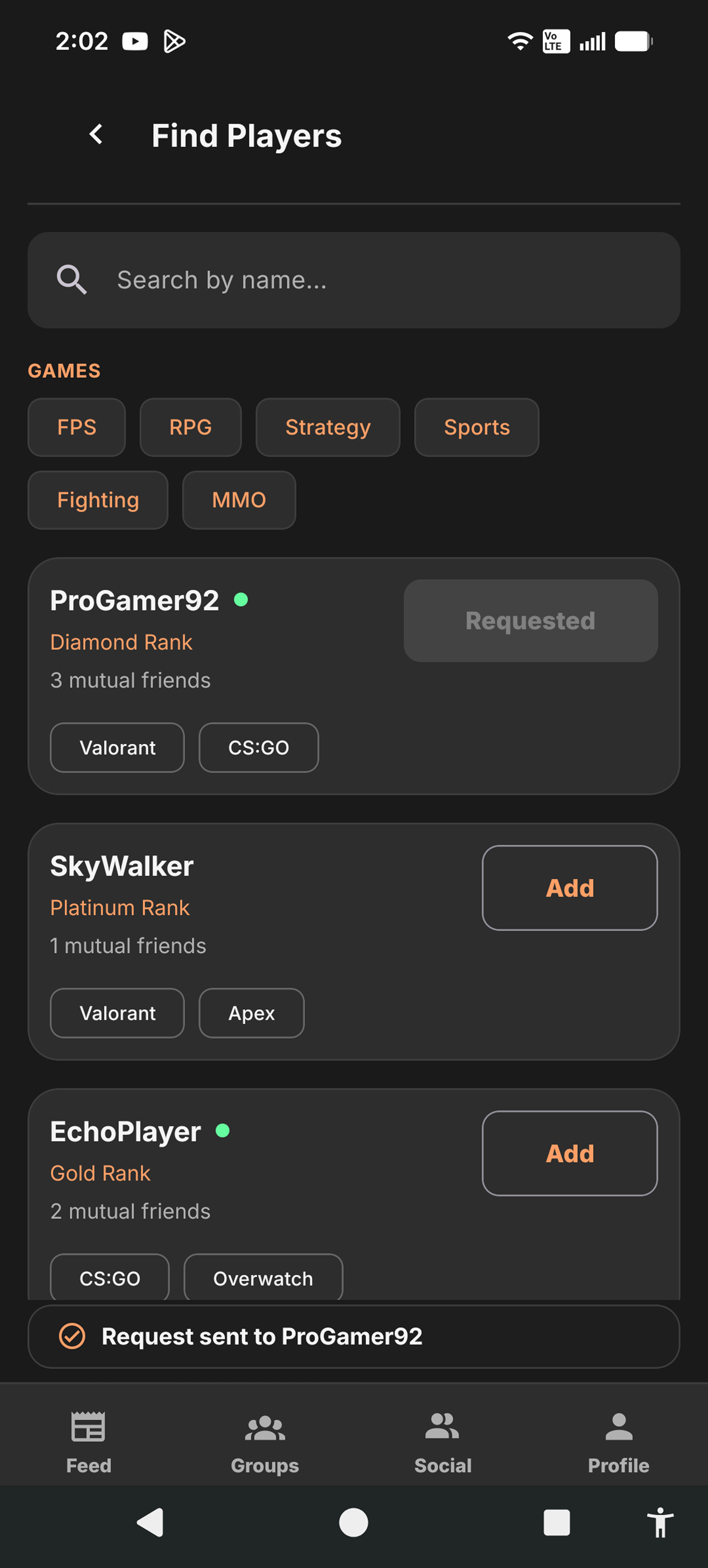
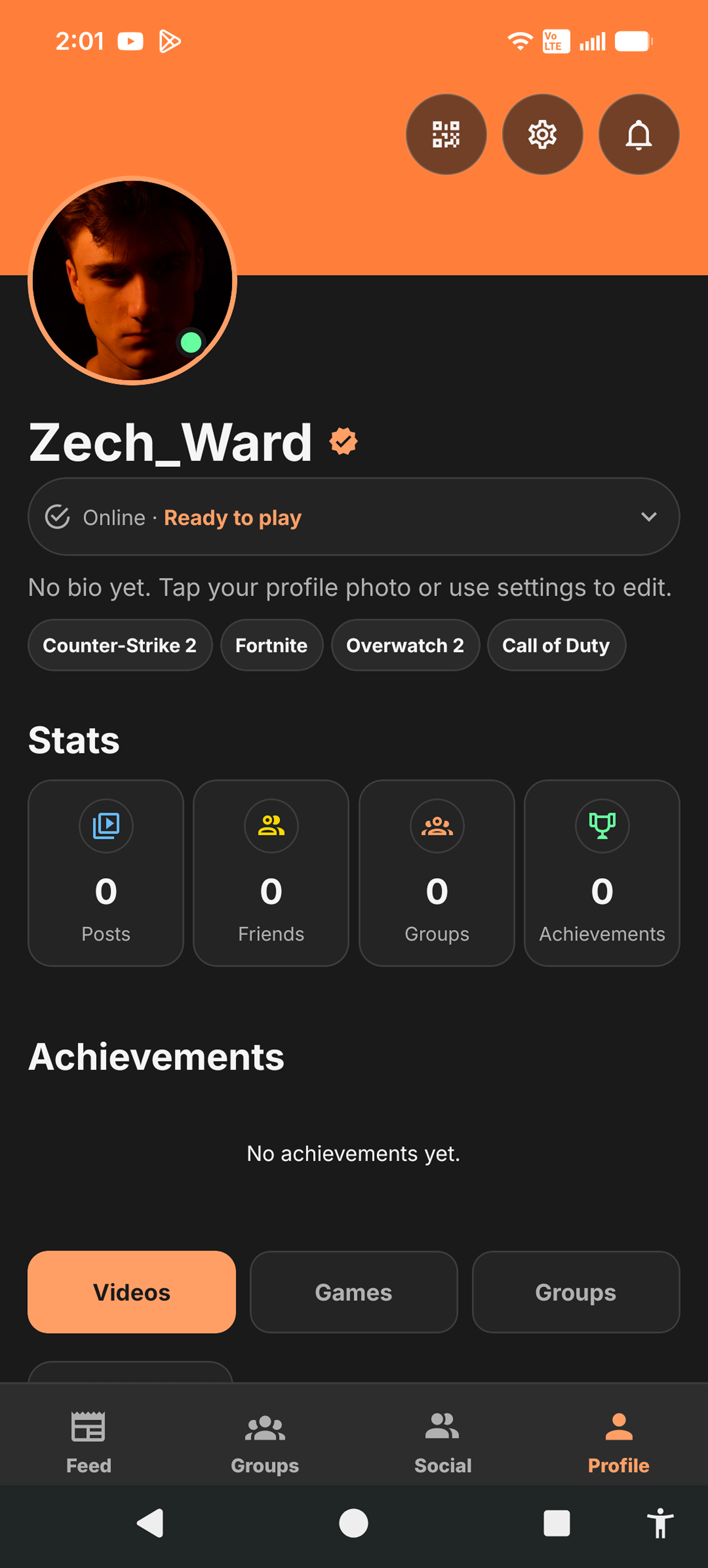
The concept was a social app for gamers to find groups and connect with people they wanted to play with. I used the project to practice the basics of mobile product development while also learning how the same React Native code behaved differently across Android and iOS.
Player discovery and profile surfaces
02 / Cross platform lessons
What carried forward into InkVein?
I tested GameMate directly on my personal Android phone and through the iOS Simulator on my Mac. That process helped me understand that a shared codebase does not mean both platforms behave exactly the same. I started paying closer attention to the layout differences, navigation behavior, device specific dev testing tools, and the general development workflow on each platform.
GameMate also gave me a chance to compare React Native more seriously with alternatives. I was considering languages like Swift, Flutter, and Kotlin. By the end of the project, I had a much clearer understanding of React Native’s strengths and limitations, and that experience helped solidify my decision to use React Native as the mobile foundation for InkVein.